Start free
Every new account starts with credit on the house. No card needed.
$1
free credit
≈ 125 edits at $0.008
- Every editing tool, masks included
- Reference-image looks
- JPEG, PNG and Lightroom XMP export
- Add credit only when you want more
Describe the look.Keep every pixel.
Vesold reads your photo, masks what matters and makes real, non-destructive adjustments, the way a retoucher would in Lightroom. You write the brief; it never generates a pixel.
$1 free credit, then pay as you go · ≈$0.008 per image
Dark and moody. Deep shadows, muted colors.
Most AI photo editors repaint your picture and hope you don’t notice. Vesold works like a retoucher. It studies the photo, tells the sky from the stone, then moves the same sliders a pro would, on your original pixels.
No sliders to learn, no presets to hunt for. You describe the photo; the AI agent does the retouching, step by visible step.
01 / 05
JPEG, PNG, HEIC, TIFF, WebP, AVIF, at full resolution. Your original is never touched: Vesold edits a 32-bit linear copy of it.
02 / 05
Write it the way you would brief a retoucher, like “warm golden hour, softer shadows”. Or add a reference photo and simply say “match this”.
03 / 05
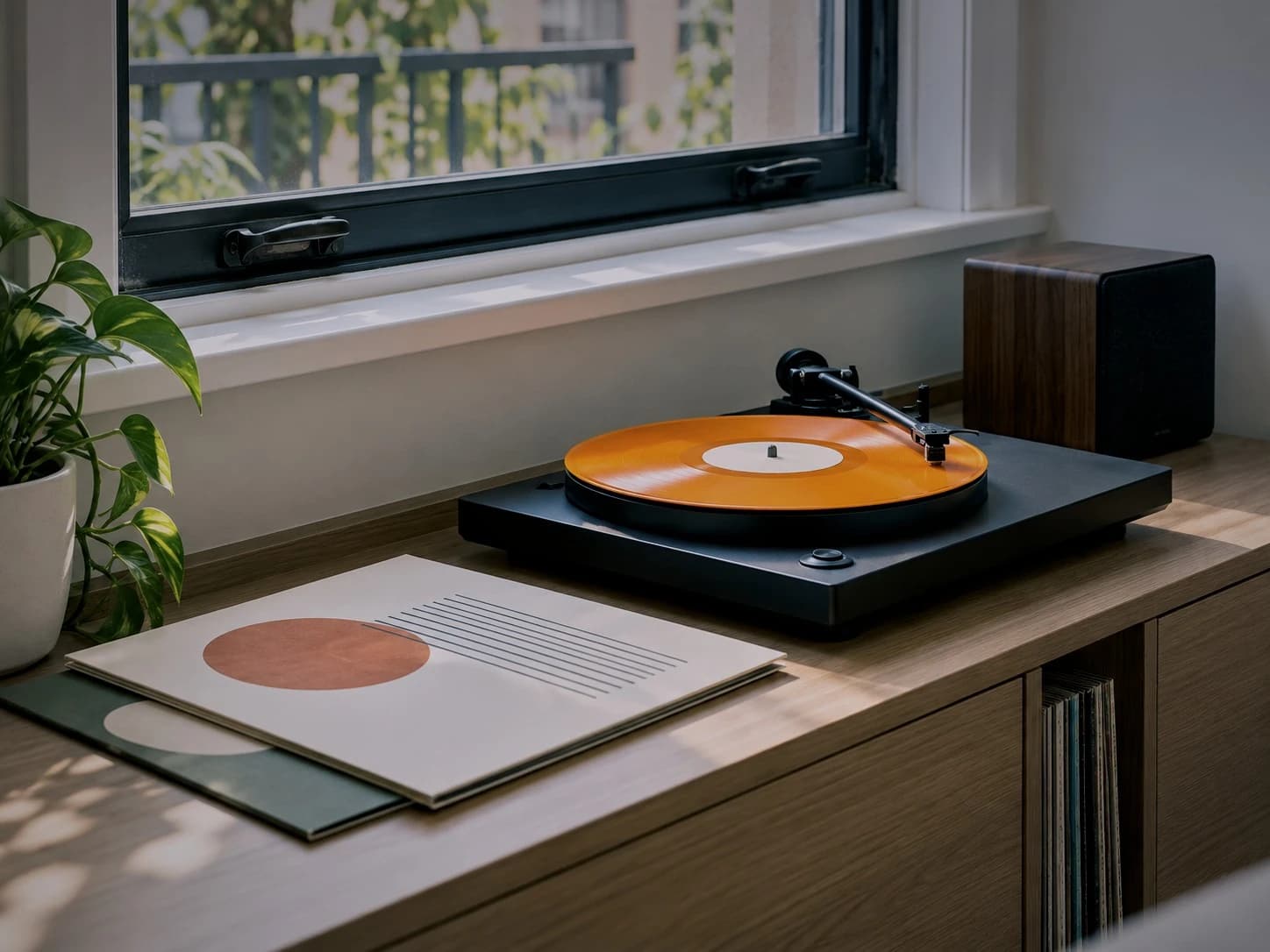
It finds the window light, the turntable, the plant and the records, then masks each one with AI so every edit lands exactly where it should.
04 / 05
Exposure, contrast, color grading, curves and local masks: the controls a pro would reach for in Lightroom, set in about 10 seconds.
05 / 05
Full-resolution JPEG, PNG or TIFF. Or a Lightroom XMP, so every adjustment arrives as a slider you can still move.
Vesold starts where a retoucher does: by reading every pixel. Then it reaches for the same tools, and shows you each one it uses.
01Prompt → adjustments
Plain words in, exact slider values out. “Moody” or “golden hour” becomes the adjustments a pro would make.
02Reads before it edits
Vesold works out what is in the frame and the light it was shot in, then edits each part on its own terms.
03Sky · subject · colour · gradient
Sky, water, skin, a single building: precise masks in seconds, so edits only touch what they should.
04Reference → your photo
Drop in any reference photo. Vesold matches its color and tone on yours with real adjustments, not a filter.
05≈10 s average
Fast enough to batch edit a whole shoot while the kettle boils.
06Lightroom XMP
Export an XMP sidecar and every adjustment arrives as a slider you can still move.
070 generated pixels
No generative fill, no inpainting, no invented detail. The same pixels, in a better light.
0832-bit float · linear
Non-destructive edits run in 32-bit float on a linear copy, and export at full size in 8 or 16 bits.
04No generated pixels
Describe the look once and Vesold batch edits every frame, reading each photo on its own so the sky in one and the shade in the next both come out right.
About $0.008 an image, with every tool included. Add credit when you need it, from $5. It never expires and there is no subscription. $1 free credit on every new account.
Every new account starts with credit on the house. No card needed.
$1
free credit
≈ 125 edits at $0.008
Top up when you need to and pay only for the edits you make.
$5+
minimum deposit
≈ 625 edits per $5
For studios, agencies and high-volume teams.
Custom
Volume pricing for teams
800photos
At $0.008 a photo. Credit never expires.
Anything else? Join the beta and ask us directly.
No. Unlike generative AI photo editors, Vesold never generates an image. The AI decides which adjustments to make (exposure, color, curves, masks) and an imaging engine applies them to your original pixels. Nothing is inpainted, upscaled or invented, and there is no generative fill.
A photo editor built around an AI agent instead of a wall of sliders. You describe the result you want, or show a reference photo, and the AI chooses the edits (white balance, exposure, color grading, curves, masks) and applies them non-destructively. Vesold shows every step it takes, and you can undo any of them.
No. Your photo is decoded once into a 32-bit floating-point working copy, every edit runs there, and the export happens once, at full resolution, in 8 or 16 bits with an embedded color profile. The original file is never modified.
For editing, yes. Vesold covers the adjustments photographers use most in Lightroom (white balance, tone, color grading, tone curves, HSL, masks, vignette and grain) and you drive them with words instead of sliders. If you like to finish in Lightroom, export a Lightroom XMP and every adjustment shows up as a regular slider you can keep moving.
Yes. Ask in plain words (“brighten the faces”, “make the sky moodier”) and Vesold masks that region and edits only there.
Yes. Add a reference photo and ask Vesold to match it. It studies the reference and recreates its color grade and tone on your photo with real adjustments, not a filter laid on top.
Yes. Describe a look once and Vesold applies it across a whole shoot, reading each photo on its own so the edit adapts to its light and subject.
JPEG, PNG, HEIC, TIFF, WebP, AVIF in. JPEG, PNG, TIFF, WebP out, plus Lightroom XMP.
About 10 seconds per photo on average. Requests that need several masks can take a little longer.
It is pay as you go: roughly $0.008 per photo, taken from credit you add yourself. Every new account starts with $1 free, deposits start at $5 (plus a small payment processing fee), and credits never expire. There is no subscription. Studios with more volume can ask for custom invoicing.
Vesold is in private beta and we are inviting photographers in waves. Join the waitlist and we will email your invite.
Get early access to the AI photo editor you talk to. We are inviting photographers in waves.